SQZ Backup app
You want to back up your folders automatically.
A desktop app that runs encrypted backups on a schedule to another drive, keeps old versions, and lets you see and restore your snapshots.
SQZ packs folders into one small archive. It skips data it has already stored, sorts what is left so it squeezes better, and checks every file when you restore it. A new encrypted backup mode keeps versioned copies of your folders on another drive.
Free for personal use · Backup app, right-click menu, extractor · unsigned previews
Size left after packing, as a share of the original
There are three downloads, one for each job. Pick the one that matches what you want to do. All three are unsigned preview builds, free for personal use (licence). Using SQZ in a business needs a commercial licence: ask us.
You want to back up your folders automatically.
A desktop app that runs encrypted backups on a schedule to another drive, keeps old versions, and lets you see and restore your snapshots.
You want to shrink files and folders into small .sqz archives.
Adds Compress, Extract, Test and Export to ZIP to the Windows right-click menu, plus the sqz command-line tool. Unzip it and run install.cmd.
Someone sent you a .sqz file and you just want to open it.
A small program that only extracts, tests and lists archives. It cannot create them, and it checks every file as it unpacks.
The Windows package already includes sqz-extract, and the backup app includes its own copy of sqz, so you never need more than one download per computer. These builds are not code-signed yet: Windows SmartScreen may warn (More info, Run anyway), and on a Mac you open the app the first time with right-click, Open. Checksums: SHA256SUMS.txt. More in the download docs.
SQZ deduplicates repeated data, routes content to the right codec, and understands what is inside your files. Less waste, by design.
See how it works →Pack and extract data larger than your RAM. Memory use depends on block size and threads, not on how much you pack.
Every restored file is checked with BLAKE3 before it is published. Existing files are never overwritten.
Append snapshots over time. Restore any of them, or just one file, without storing unchanged data twice.
You run one command. Behind it, every file takes the same trip, and every step can be undone exactly.
Files are scanned and lined up by type, so similar files sit next to each other.
Already-compressed PNG, ZIP, Office, PDF, gzip and JPEG files are opened up, but only if SQZ can rebuild the original bytes exactly.
Data is cut into pieces at points chosen by the content itself, so a small edit only changes nearby pieces.
Each piece gets a BLAKE3 fingerprint. A piece that is already stored is kept once and simply pointed to.
Pieces are routed into text, program, binary, raw or image groups, because like compresses best with like.
Each group is compressed with the codec your mode picks, in parallel, and the archive index is sealed with a BLAKE3 tag.
Add a new snapshot with sqz a. Pieces that did not change are pointed to, not stored again.
Illustration. The same idea applies inside a single backup: an image embedded in two documents, or many versions of one file, is stored once. Every snapshot stays restorable, and sqz x -s 1 brings back snapshot 1. Each new snapshot writes only the index entries it adds, so archives with many snapshots stay small and quick to open: at 100 snapshots of a 20,000-file folder the archive is 11.8 times smaller than with a full index per snapshot, and restoring one file needs 21 MiB of memory instead of 590 MiB.
Faster modes finish sooner. Slower modes spend more time looking for a smaller result. Packing and unpacking run on several cores at once (up to 8 by default in the slower modes, -j to change it).
Median of three runs on a generated 10,000-line log file (Linux, 8 CPUs). Max also takes longer to unpack. It picks codecs from samples, so it is not guaranteed to beat balanced on every input.
Shorter bar means a smaller archive. Every result below was restored and checked byte for byte.
One run on a Windows PC, September 2026. ZIP and 7z sizes are for comparison; 7z took longer than SQZ balanced. When files share data, unpacking now decodes each block once, in parallel: a 162 MB Windows app set unpacks in 144 s instead of 475 s on 4 cores.
Repetitive text, 591 KB
JPEG, PNG and ZIP, 43.7 KB
Already unpredictable, 524 KB
Random bytes cannot be shrunk by any tool. SQZ adds under 0.1% of overhead here.
Bars are scaled within each chart. Small generated test inputs from SQZ’s benchmark lab: median of three runs after one warmup, 140 verified round trips, 0 failures. They check the pipeline and are not a claim about your own folders.
SQZ’s own context-mixing engine against xz -9e, the LZMA2 maximum setting 7-Zip Ultra uses.
From the engine notes in SQZ’s architecture document. The engine runs at about 0.5 MB/s per thread and uses about 260 MB at level 6, so max mode trades speed for size.
SQZ fits into the way you already handle files, and the people you send archives to do not need to install anything big.
Files and folders get an SQZ submenu: Compress Smart, Fast, Balanced or Maximum, each labelled with its trade-off, or Compress with options. .sqz files get Extract to folder, Extract here, Export to ZIP and Test archive. A small window shows progress, and Cancel removes the unfinished output. It installs per user, without admin rights.
sqz zip turns a snapshot into a standard ZIP for people without SQZ. The ZIP is read back and every entry is checked before it is kept, and SQZ tells you what ZIP cannot hold, like other snapshots.
sqz-extract is a separate program that can only open archives, for Windows, Linux and macOS. Drop an archive onto it on Windows and it unpacks into a new folder next to it, checking every file.
sqz estimate packs a sample of your real data and tells you the time, size and memory a big job will take. For 1 GB or more, sqz c shows it by itself. In tests, time was within 0.67× to 1.35× of the real run.
Extraction checks the destination before writing anything: files that already exist, names that differ only in letter case on drives that ignore case, names Windows cannot create, and free space. If any of them would be a problem, it stops with a clear message and leaves nothing half-written.
Atlas is two products on one shared, lossless storage layer: the archive, and a backup tool you can now try as a preview.
Folders, documents, photos, builds, model checkpoints
A portable .sqz file for everyday packing, sharing and snapshots.
An encrypted, incremental backup repository with sqz backup, kept separate from the .sqz format.
Point sqz backup, or the new desktop app, at a folder and a backup location. Each run stores only what changed, everything is encrypted, and any snapshot can be restored. It is a preview: the repository format may still change, so keep another copy of anything irreplaceable.
forget keeps the last, daily, weekly, monthly or yearly snapshots you ask for, and prune reclaims the space. Protected snapshots and the newest verified one always stay.check --read-data decrypts and verifies every piece. Restore one file, a folder or everything, and rehearse a restore with drill without writing files.copy keeps an independent replica up to date without the password and resumes after interruptions. S3-compatible buckets work too; this has been tested against a simulated server, not yet a real one.--vss a backup reads a shadow copy, so open files are captured as they were at one instant. --usn uses the NTFS change journal to read only folders that changed. Both are new and still being tested on real Windows.Reproducible benchmarks and frozen test fixtures
In progressVerified chunk identities, format spec with an independent reference reader, codec planner
In progressSafe extraction, metadata, ZIP export, Windows menu, standalone extractor, estimates
Mostly doneEncrypted repository, retention, prune, copies, S3, Windows shadow copies, desktop app
PreviewSimilarity deltas, hot and cold compaction, recovery drills
Early workLighter and stronger engines, new transforms, neural tests
Not startedFrom the SQZ Atlas strategy in the sqz-next repository, status as of September 2026. It is a proposed roadmap with no dates, and each stage ships only when its correctness, restore and benchmark checks pass.
SQZ Backup is a small app for Windows and macOS on top of sqz backup. Pick a folder, pick where the backups go, choose when to run, and it takes it from there. It is an early preview.
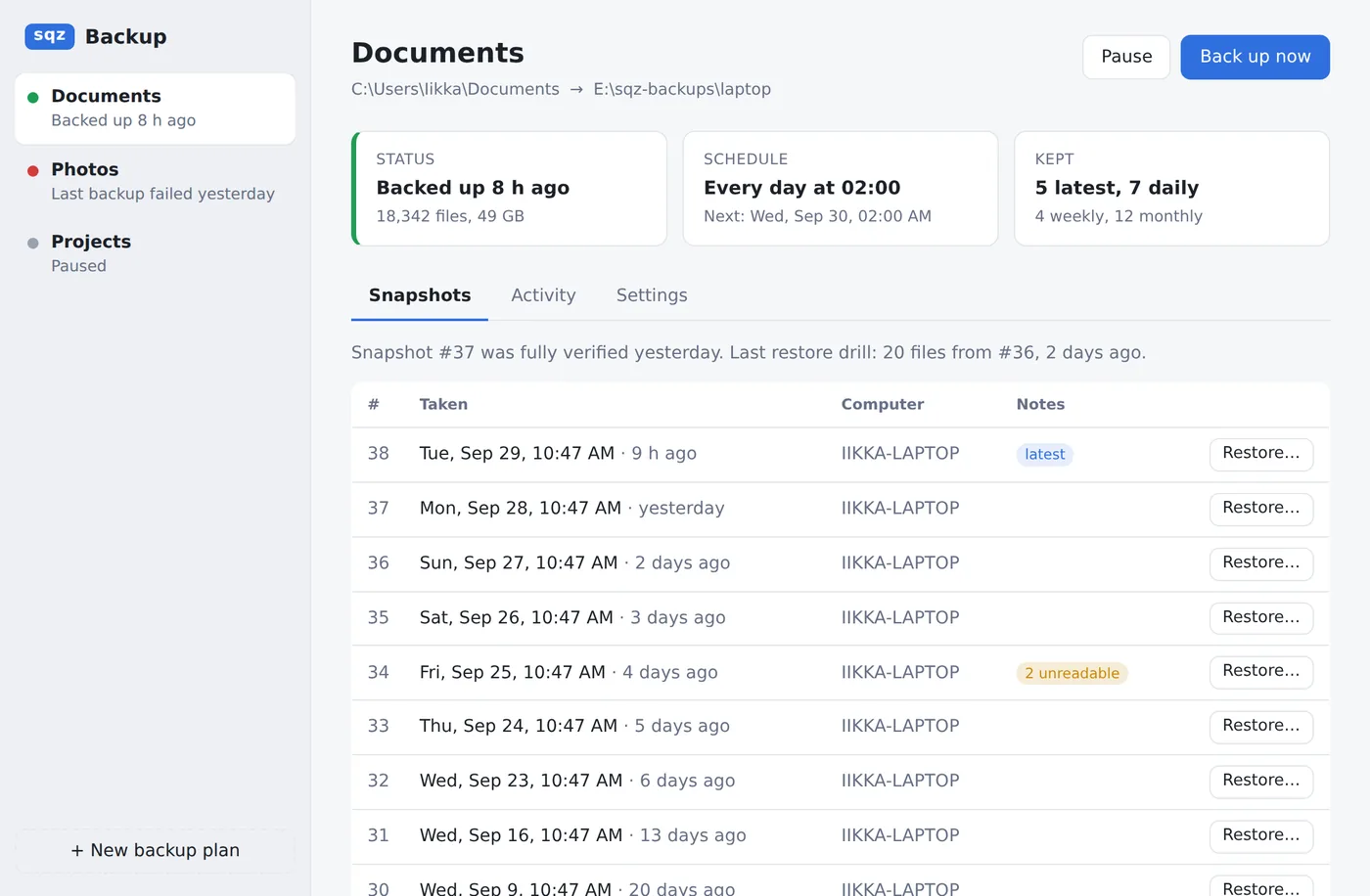
sqz backup too.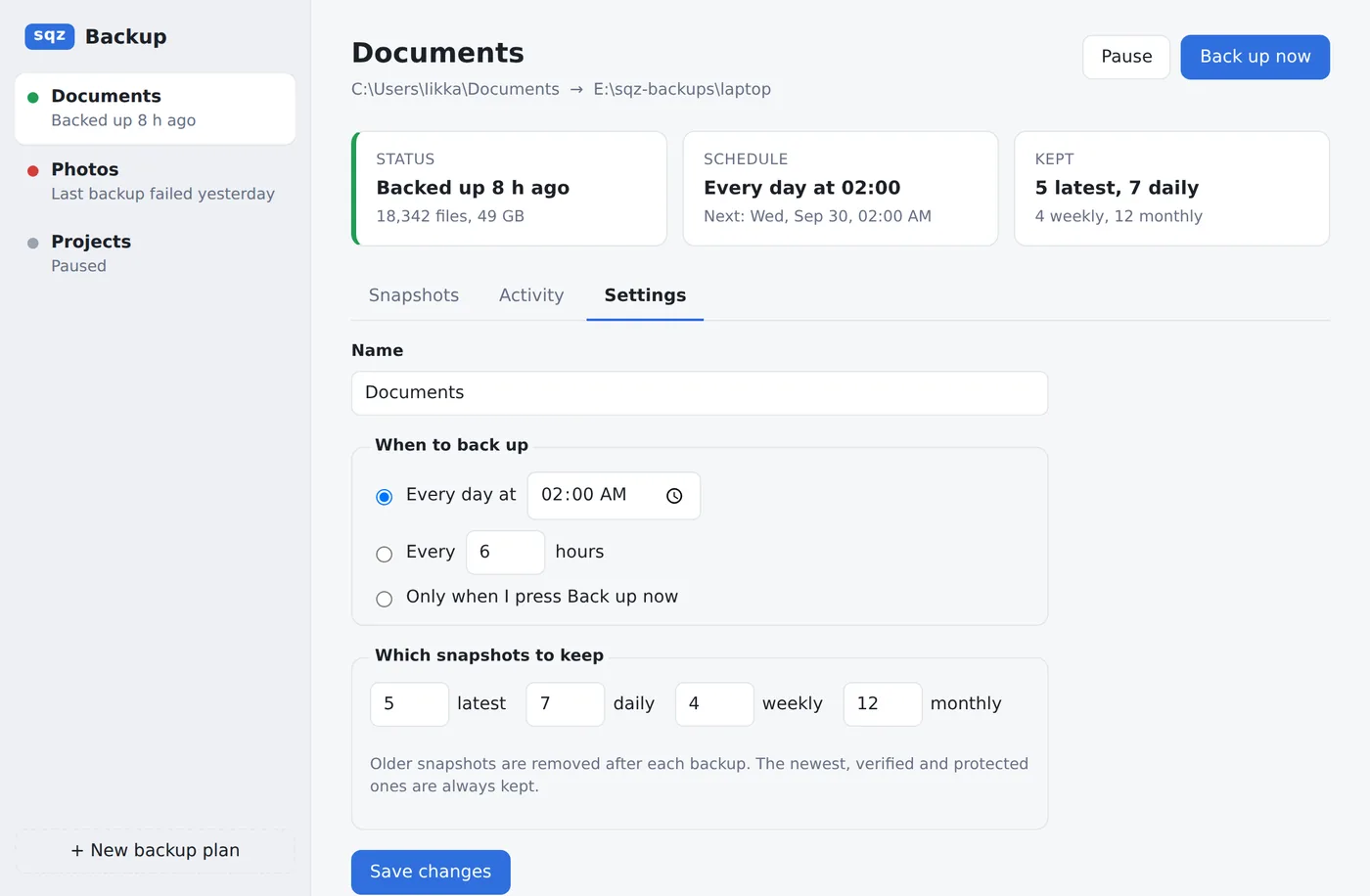
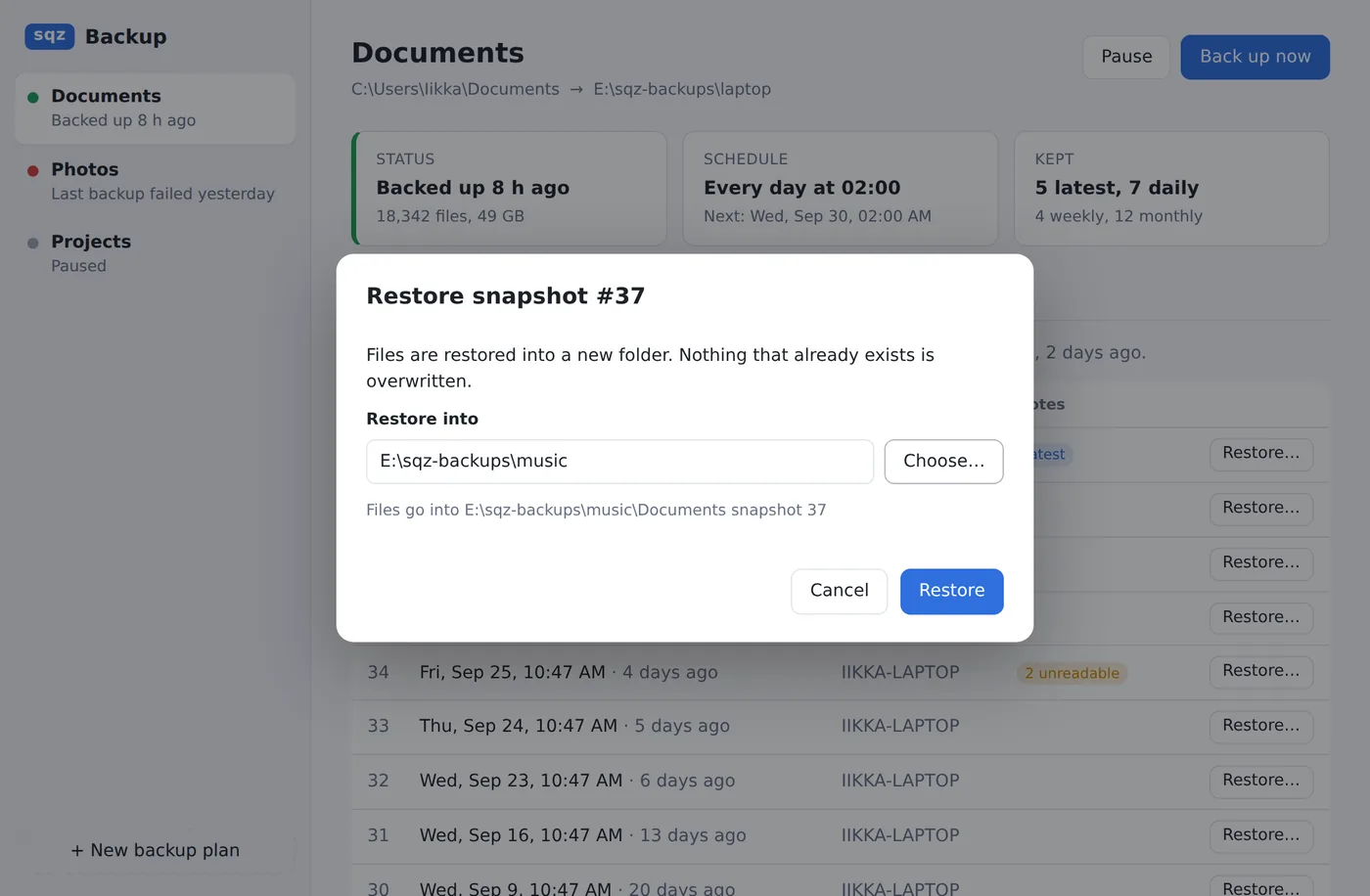
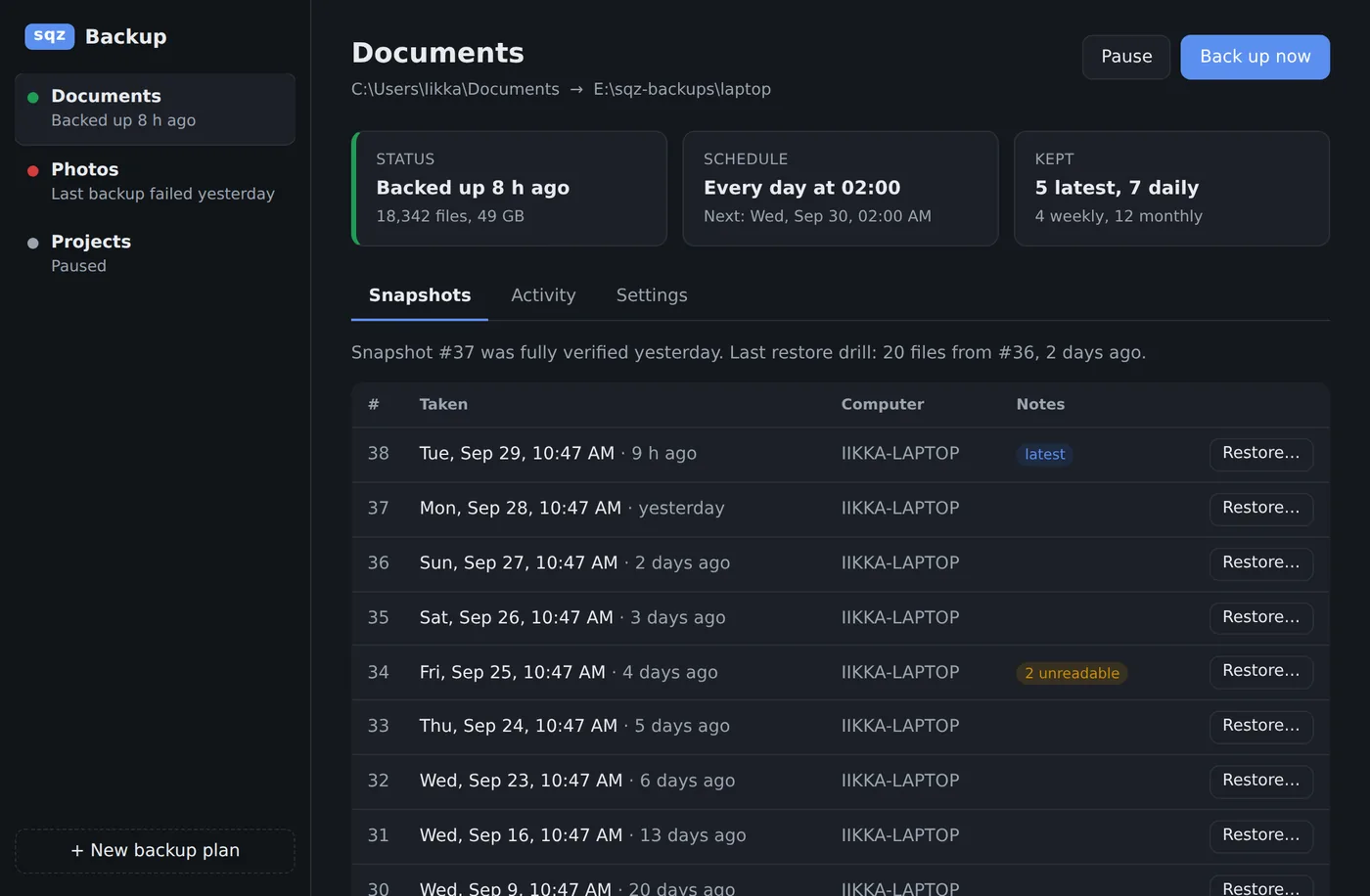
Version 0.1.0, unsigned: Windows 10/11 64-bit (3.8 MB installer) and macOS on Apple Silicon (5.1 MB). Windows SmartScreen warns the first time (More info, Run anyway); on a Mac, right-click the app and choose Open. Scheduled backups and the saved password have been tested on Linux so far, not yet on a real Windows PC or Mac. Not in it yet: tray icon and notifications, several folders per plan, excludes, S3, shadow copies and single-file restore.
The conversation vault is an MCP connector in SQZ Backup. It keeps the AI conversations you choose to save in an encrypted repository on your computer, and lets Claude, ChatGPT or Codex search and read them again when you ask. It is an early preview.
Early preview. Connecting Claude to the hosted relay has been tried end to end on a real Windows computer; Saving and searching conversations has been tried live from ChatGPT and Codex too; saving images and PDFs has only been tried in Claude. Saves text conversations, plus images and PDFs you attach (stored encrypted on your computer; the assistant gets the description and PDF text back). Search matches words, not meaning.
File owners, ACLs, extended attributes and sparse regions. Folders, symlinks, hard links, permissions and exact times are kept. Names that are not valid UTF-8 are skipped with a warning.
.sqz files are checked for corruption but not encrypted. For encryption and pruning old snapshots, use SQZ Backup, still a preview.
Extract into a new, empty folder. SQZ never overwrites existing files, and the drive must support hard links.
New archives need a current SQZ build or sqz-extract to open. Archives from v1 to v6 can still be read, but new snapshots can only be added to v7 archives.
Create, extract and verify archives, and back up folders, with these SQZ commands. Every command and option is in the documentation.
$ sqz c photos photos.sqz
$ sqz x photos.sqz restored
$ sqz t photos.sqzsqz c photos photos.sqzCreate an archive from a foldersqz x photos.sqz restoredExtract it into a new foldersqz t photos.sqzTest that every file restoressqz a photos photos.sqzAdd a new snapshotsqz estimate photosSee time, size and memory firstsqz zip photos.sqz photos.zipExport a snapshot as a ZIPsqz backup init backupsCreate an encrypted backup locationsqz backup run backups photosBack up only what changedQuestions, bug reports, business enquiries and feedback on the previews all go to one address. Pick a topic below to start the email with the right subject.
Something didn't work? Send the command you ran, the full message and your system. For archives, add what sqz-extract --version prints.
SQZ is free for personal use. Using it at work, bundling it in a product, or backing up a company's machines needs a licence. Tell us what you need.
Email about business →Tried the backup app or the right-click menu? Results on real machines, especially real Windows PCs, Macs and S3 buckets, help most right now.
Send feedback →Writing about SQZ, benchmarking it, or want to work together on storage or backup? Get in touch.
Email us →SQZ's programs don't send anything anywhere unless you back up to cloud storage. There's no telemetry and no account. See Privacy.